Do You Tip on Takeout, Curbside, or Delivery?
Last updated · Reviewed by SnapTipCalc Editorial
Takeout and delivery tipping is less intuitive than full-service restaurants, leaving many people confused about proper etiquette. This complete guide covers every pickup and delivery scenario — counter service, curbside, POS tip screens, and third-party apps like DoorDash and Uber Eats — so you know exactly when and how much to tip.
- ✓Counter pickup: $0–2, completely optional
- ✓Curbside pickup: $2–5 for the added convenience
- ✓POS tablet screen: skip or tap $1–2 — no shame in 'No Tip'
- ✓Delivery (DoorDash, Uber Eats): commonly $5 minimum or 15–20%, whichever is higher
- ✓Bad weather or large orders: tip 20%+ for delivery — drivers earn it
Need restaurant basics? See our restaurant tipping guide. For POS tip screens more broadly, see our digital tipping guide.
Takeout & Counter Pickup Tipping Rules
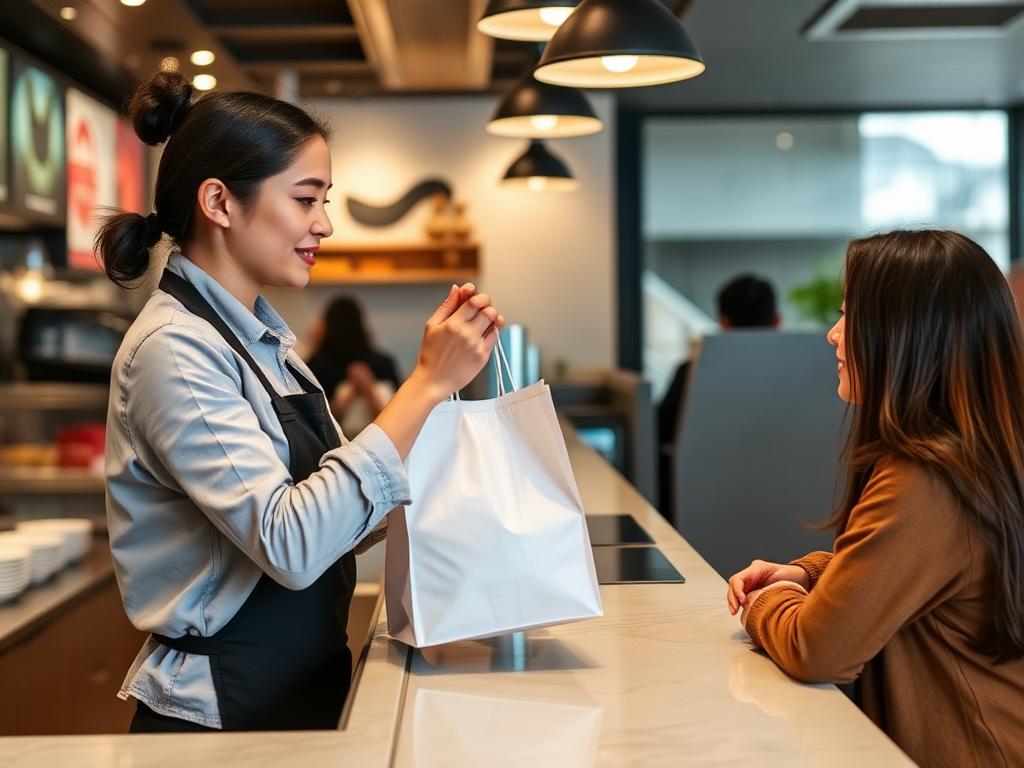
When you pick up your own food (takeout or to-go orders), tipping is optional but appreciated. Since there's no delivery or table service involved, expectations are much lower than dine-in or delivery. The fundamental difference from delivery: nobody drove to your location. A delivery driver uses their own vehicle, pays for gas and maintenance, and spends 15–30 minutes per delivery — that labor justifies a 15–20% tip. Takeout involves walking into a restaurant and carrying food to your own car, so the restaurant's side of the labor is mostly packaging.
Standard Takeout Tipping Guidelines
- 0%Acceptable - No tip required for simple counter pickup, drive-throughs, or fast food
- $1-3 / 5-10%Appreciated - For standard orders or when staff went the extra mile
- 10-15%Generous - For large orders, special requests, catering, or exceptional service
When Tipping on Takeout Makes Sense
- • Large or complex orders that required extra preparation and packaging
- • Special requests or modifications — dietary or allergen accommodations that took extra time
- • Busy times (dinner rush, holidays) when staff worked hard to fulfill orders
- • Restaurant loyalty - tipping your regular spots supports local business and goodwill
- • Exceptional service - staff who checked order accuracy, provided extras, or were particularly helpful
- • Sit-down restaurants — a server may have paused table service to pack your order; 10% is a kind gesture
- • Free items or upgrades included with your order
When Not to Tip on Takeout
- • Fast food restaurants (McDonald's, Taco Bell, Wendy's) where tipping is not customary
- • Counter-service chains (Chipotle, Panera, Five Guys) where service is minimal
- • Drive-through windows — tips are not expected at drive-throughs at any restaurant
- • Pre-made items grabbed off a shelf or display case (bakery, deli counter)
- • Self-service (you filled your own container at a salad bar or frozen yogurt shop)
- • Orders placed and paid online with no interaction
- • When paying a service charge or "counter service fee"
Pro Tip: If your takeout order required the same effort as preparing a dine-in meal (especially for full-service restaurants), tipping 10% shows appreciation for the kitchen and prep staff.
Counter Service & the Tip Screen Dilemma
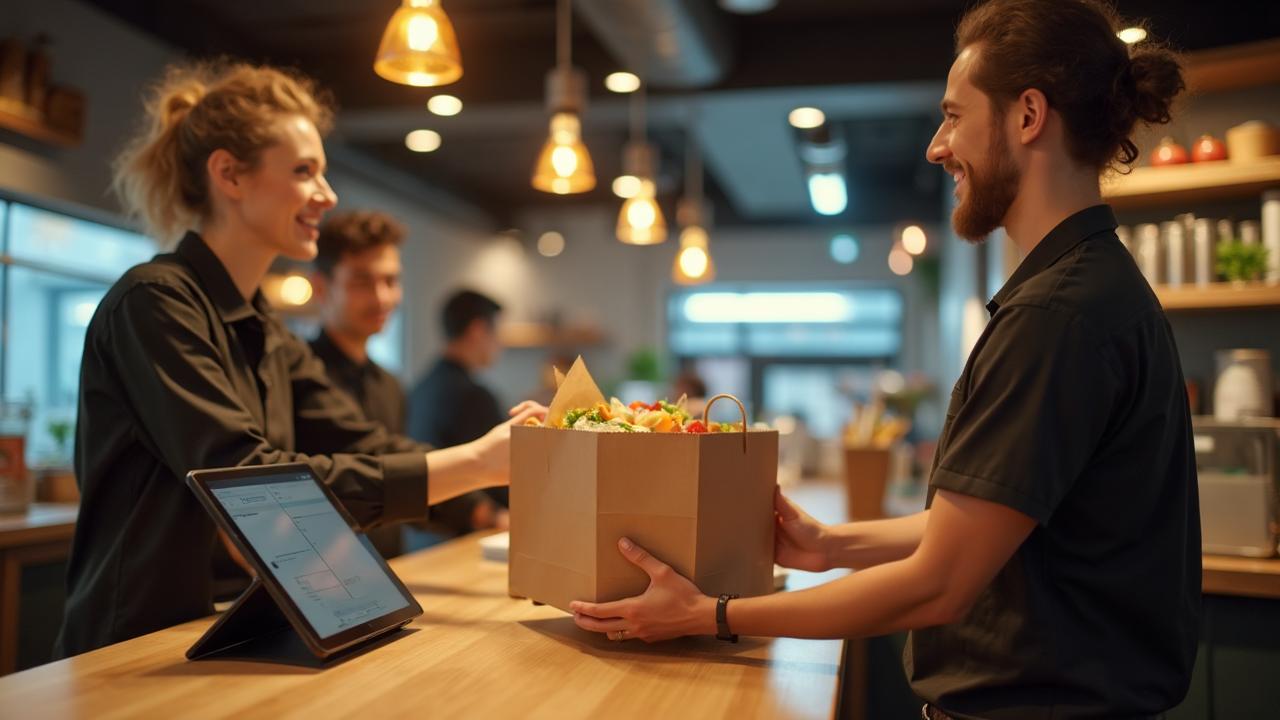
Food pickup has changed dramatically. Long before delivery apps took over, tipping for takeout was simple: you weren't really expected to tip. Today, digital payment screens with suggested tip percentages have blurred the lines and created "tip screen guilt" — one of the most-discussed dilemmas in American dining.
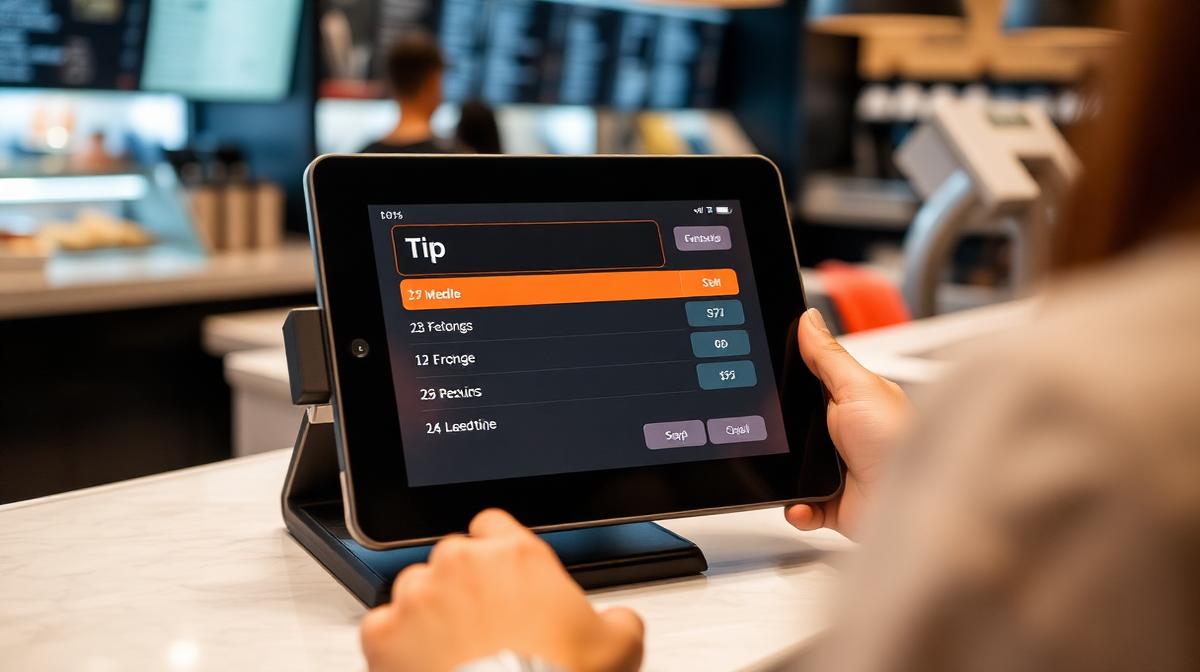
Why the Screens Suggest 18–25%
Those large buttons aren't there for etiquette — they're software defaults from Square, Toast, or Clover designed for full-service restaurants, and they increase revenue regardless of service type. The presence of a tip prompt doesn't mean a tip is expected.
Your Choice Matters
You can always:
- • Press "No tip" — it's not rude, awkward, or unusual. Cashiers see it dozens of times per shift.
- • Use "Custom Amount" to leave $1–2 instead of a percentage
- • Choose cash instead
- • Decide quickly and move on — the cashier doesn't track who tips and who doesn't
The tablet doesn't dictate etiquette.
What Most People Actually Tip
- • 0–10% for basic counter takeout
- • $1–3 for quick-service counters when they choose to tip
- • 10–15% for curbside or complex orders
Anything beyond this is generous but not expected.
Curbside Pickup Tipping
Curbside pickup warrants a tip more than simple counter pickup. Staff pack your food, walk it outside — potentially in bad weather — locate your car, and load it for you. That extra physical effort and personal service deserves a small tip.
Curbside Guidelines
- $2-5Standard - For typical curbside pickup
- 10-15%Generous - For large orders or bad weather conditions
Visitors unfamiliar with U.S. tipping norms often feel uncomfortable here — if you're unsure, a small tip like $1–2 is perfectly fine, and if the service was minimal, no tip is completely acceptable.
Delivery Tipping Standards
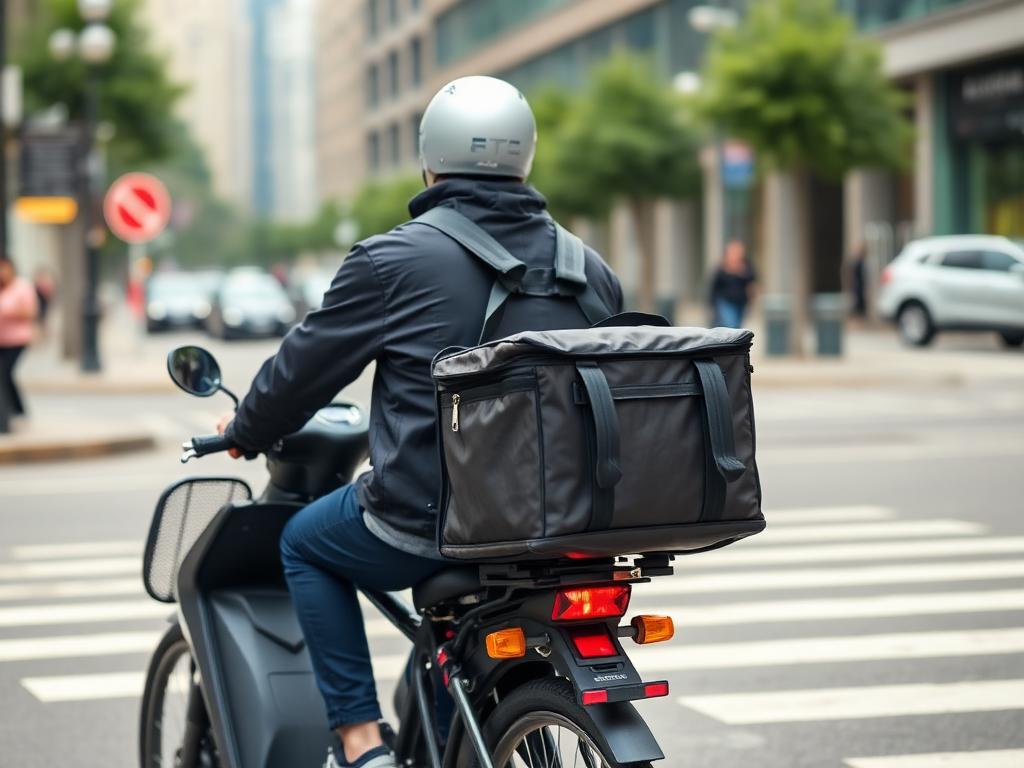
Unlike takeout, tipping for delivery is expected and essential. Delivery drivers use their own vehicles, pay for gas and maintenance, and depend heavily on tips for income. Most delivery platforms pay drivers very low base rates.
Standard Delivery Tipping Guidelines
- $5 minimumAlways - Even for small orders under $20
- 15-18%Standard - For typical delivery orders in good conditions
- 20%+Generous - For bad weather, stairs, large orders, or exceptional service
Tip More for These Situations
- • Bad weather: Rain, snow, extreme heat/cold (+20-25%)
- • Large orders: Multiple bags, family meals, catering (+20-25%)
- • Stairs or difficult access: Walk-up apartments, no elevator (+$2-5 extra)
- • Long distances: Deliveries from far away restaurants (+20%)
- • Peak hours: Dinner rush, lunch time, holidays (+18-20%)
- • Exceptional service: Early delivery, careful handling, great communication (+20-25%)
Important Delivery Tipping Facts
- • Delivery fees ≠ driver tips: Most delivery fees go to the platform, not the driver
- • Calculate on food total only: Don't tip on taxes, fees, or service charges
- • Drivers can see tips: Low tips may result in delayed pickup or cold food
- • You can adjust tips: Most apps allow tip changes within a window after delivery
- • Cash is king: Cash tips go directly to the driver without platform deductions
Remember: Delivery drivers are independent contractors who pay their own expenses. Your tip often makes up the majority of their earnings for that delivery. Tipping fairly ensures drivers are motivated to provide good service and accept your orders promptly.
Minimum Tip Amounts: Real Examples
Understanding minimum tips through real-world examples helps you tip appropriately regardless of order size. Here are common delivery scenarios:
Small Orders (Under $20)
Scenario: $12 burger and fries delivery
20% would be only $2.40
Why: Driver still spends 20-30 minutes on your order. Always use the $5 minimum.
Medium Orders ($20-50)
Scenario: $35 dinner for two
18% = $6.30
Why: Standard 18-20% is appropriate for typical orders in good conditions.
Large Orders ($50-100)
Scenario: $75 family meal (4+ people)
20% = $15
Why: Large orders = multiple heavy bags. 20%+ ensures fair compensation for extra effort.
Very Large Orders ($100+)
Scenario: $150 party catering order
20% = $30
Why: Catering-size orders require careful handling and often multiple trips to/from the car.
Bad Weather + Stairs
Scenario: $40 order, heavy rain, 3rd floor walkup
Standard 20% = $8
Why: Difficult conditions warrant 25-30%. Driver braved bad weather and carried food up stairs.
Tips for Large Orders and Multiple Deliveries
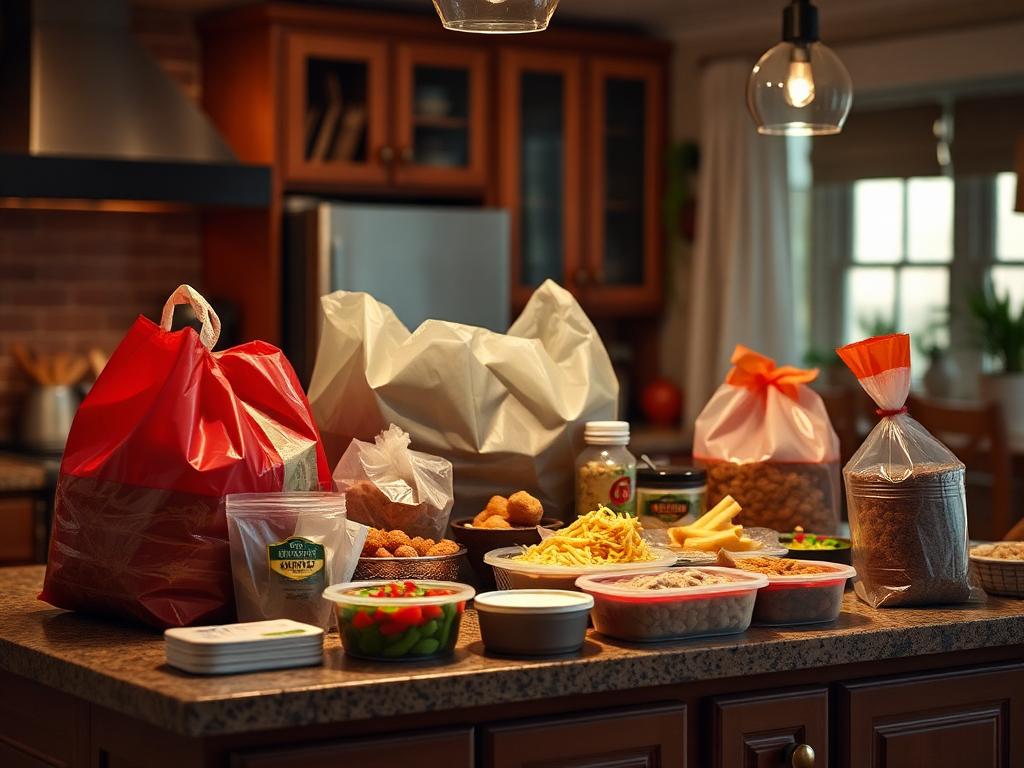
Large orders and office deliveries require special consideration. Here's how to tip appropriately when feeding a crowd. Need help with the math? Use our bill splitting guide:
Office or Group Orders
- • Base tip: 20% of the total order
- • Add $5-10: For multiple bags or difficult building access
- • Consider splitting: If ordering for a group, collect $2-3 per person for the tip
- • Coordinate delivery: Meet the driver in the lobby to make delivery easier
Example: 10-person office lunch, $180 total → Tip $36-45 (20-25%)
Party Catering Deliveries
- • Minimum 20%: Even if the order seems expensive (or 10-15% with a $10 minimum for catering pickup)
- • Consider weight: Add $10-20 for very heavy orders (trays, drinks)
- • Setup service: If driver helps set up, tip 25-30%
- • Multiple trips: If driver makes multiple trips to their car, tip extra
Example: $250 party platters → Tip $50-65 (20-25%), or $75+ if help with setup
Multiple Separate Deliveries
When ordering from multiple restaurants at once (through apps that support this):
- • Tip each driver separately based on their individual delivery
- • Don't assume one driver is delivering everything
- • Use the same tipping rules (15-20% + $5 minimum per delivery)
Using SnapTipCalc for Large Orders
Enter your large order total, select 20% (or higher for difficult deliveries), and split between the number of people contributing. SnapTipCalc shows each person's share including tip—making group orders simple and fair.
How to Tip on Delivery Apps
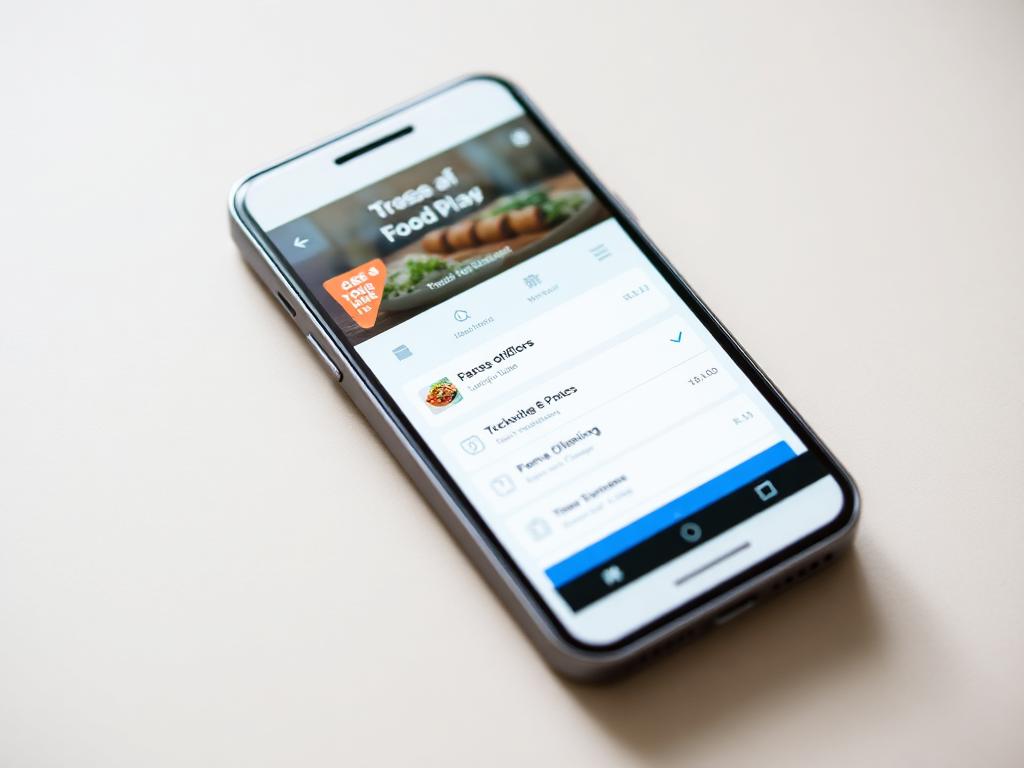
All major delivery platforms support in-app tipping, but the process and best practices vary slightly. Here's what you need to know:
DoorDash
- • Tip when placing order or after delivery
- • Drivers can see tips before accepting orders
- • You can adjust tip up to 30 minutes after delivery
- • 100% of tips go to drivers
Uber Eats
- • Tip when ordering or up to 1 hour after delivery
- • Drivers see estimated tips before accepting
- • Can increase tip if service was exceptional
- • Tips go 100% to drivers
Grubhub
- • Tip during checkout or after delivery
- • Drivers see full expected earnings (including tips)
- • Can modify tip within 3 hours after delivery
- • 100% of tips go to drivers
Postmates & Instacart-style Apps
- • Tip after delivery (Postmates: within 28 days)
- • Can tip in cash at delivery instead
- • Drivers/shoppers may not see tips beforehand
- • Tips go entirely to the driver or shopper, separate from the platform's service fee
Ordering "Pickup" Through a Delivery App
When you use DoorDash, Uber Eats, or Grubhub but select pickup instead of delivery, tipping is optional — the app simply transmitted your order to the kitchen, and no driver is involved. The same rule applies when ordering directly through a restaurant's own app or website for pickup: $0-2 for simple orders.
Best Practice: Tip generously when placing your order. Drivers with better tips get priority, which means faster delivery and hotter food. You can always increase the tip later if service exceeded expectations.
Grocery, Instacart & Subscription Delivery
Grocery and subscription delivery follows a different logic than restaurant delivery. The rule that settles almost every case: tip when a person hand-delivers your order. If a human shops your list, drives it over, and carries the bags to your door, that's a tippable service. If a box arrives via USPS, UPS, or FedEx, no tip is expected.
Tip or no tip?
Grocery shoppers do more work than a restaurant courier: they pick every item, handle substitutions, bag the order, load the car, and carry heavy bags to your door.
Recommended amounts
Instacart / Shipt
15–20% of the order total, $5 minimum
Amazon Fresh
10–15%, or $5 minimum
Gopuff / local couriers
$3–$5 per delivery
Large orders ($150+)
20%, or $15+ with heavy items
Recurring deliveries and holidays
Ordering weekly is not a reason to tip less. A different worker usually handles each delivery, and each one does the same job. Tip the same amount every time. During Thanksgiving, Christmas, and other peak periods, an extra $5–$10 reflects heavier loads and longer hours; in snow, heavy rain, or extreme heat, $3–$5 extra is a meaningful gesture.
Watch for tip baiting. Grocery platforms show your tip to shoppers before they accept the batch, and most allow you to change it for a period after delivery. Lowering a tip after the work is done removes income the shopper already earned — only adjust down for a genuine service failure.
Quick Reference: Every Scenario Compared
| Situation | Takeout Tip | Delivery Tip |
|---|---|---|
| Counter pickup (fast-casual) | $0-2 (optional) | N/A |
| Curbside pickup | $2-5 / 10-15% | N/A |
| Small order (under $20) | $0-2 (optional) | $5 minimum |
| Standard order ($20-50) | 0-10% | 15-20% |
| Large order ($50-100) | 10% | 20% |
| Very large order ($100+) | 10-15% | 20-25% |
| Bad weather | N/A | 20-25% |
| Stairs/difficult access | N/A | +$2-5 extra |
| Fast food / drive-through | $0 (not expected) | $5 minimum |
Using SnapTipCalc for Accurate Tipping
Whether you're picking up takeout, doing curbside, or receiving delivery, SnapTipCalc makes it easy to calculate the perfect tip amount every time:
For Takeout & Counter Orders
Enter your order total and select 0-10% depending on order complexity. Instantly see the tip amount to leave at the counter. Use the rounding feature for convenient cash payments.
For Delivery Orders
Enter your food subtotal (before fees and tax), select 15-20%, and see your tip amount. Adjust higher for bad weather, stairs, or large orders. Compare percentages to the $3-5 minimum to ensure fair compensation.
Split Large Orders
Ordering for a group? Enter the total, select your tip percentage, input the number of people, and see each person's contribution including tip. Perfect for office lunches and party orders.
Quick Adjustments
Use preset percentages or enter custom amounts. Switch between tip-before-tax and tip-after-tax. Round totals for easy cash tipping. All calculations happen instantly.
Where your tip actually goes
On DoorDash, Uber Eats, and Grubhub, 100% of the tip goes to the driver — but only after the app calculates the base pay it would have offered without it. Timing and platform matter.
- DoorDash / Uber Eats driver
- 100% of tip
- Tips added before delivery influence which drivers accept the order. Tips added after delivery still reach the driver in full.
- Grubhub driver
- 100% of tip
- Grubhub does not deduct tips from base pay per its 2019 policy change.
- Restaurant staff (takeout/counter)
- 0–100%
- For pickup orders, tips typically go to the counter/kitchen staff who packed it, not a server.
- Instacart shopper
- 100% of tip
- Separate from Instacart's service fee, which the company keeps.
- Pizza delivery (in-house)
- 100% of tip
- Delivery fees on the bill are NOT a tip — they cover the store's costs and rarely reach the driver.
Delivery fees, service fees, and 'small order' fees on the receipt are kept by the platform or restaurant, not the driver. Always add a separate tip if you want the courier to be paid for the trip.
Sources
- Tipping Culture in America — Pew Research Center (2023)
- Consumer Tipping Survey — Bankrate (2024)
- How DoorDash Tips Work — DoorDash Help
- Uber Eats Tipping Policy — Uber
See our methodology for how we research and update tipping guidance.
Frequently Asked Questions
SnapTipCalc Ensures Accurate Tipping for Every Order
Never wonder about tip amounts again. Calculate perfect tips for takeout, curbside, and delivery in seconds—free, fast, and accurate.
Calculate Your Tip NowRelated Articles
Tipping Etiquette by Service
Spas, salons, tours, events and everyday services
Digital Tips & Cashless Payments
How to tip using apps, Venmo, QR codes, and digital tip screens
How to Calculate Tip in the US
Complete guide to restaurant tipping percentages
How to Split a Bill Fairly
Master bill splitting methods with friends